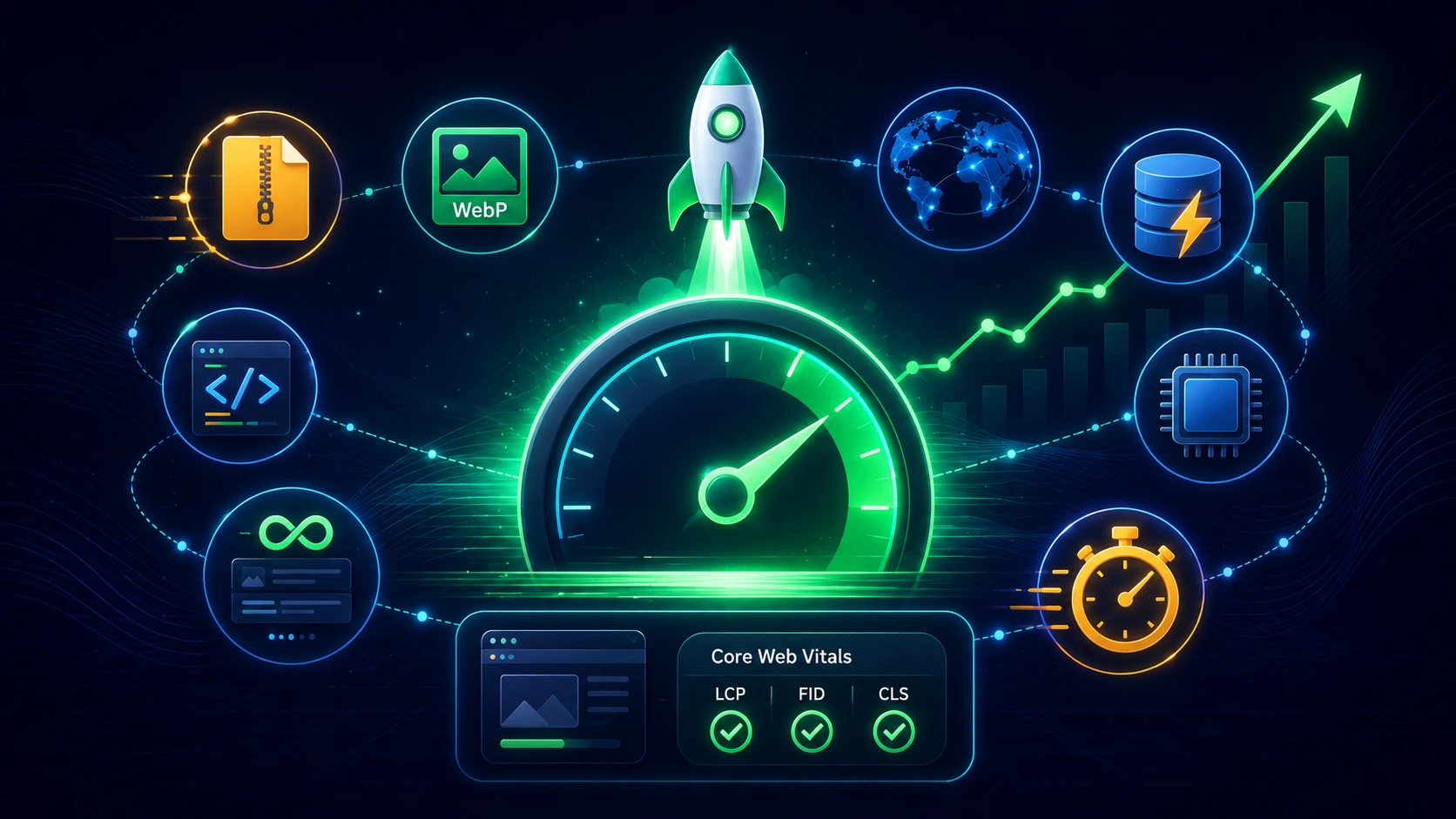
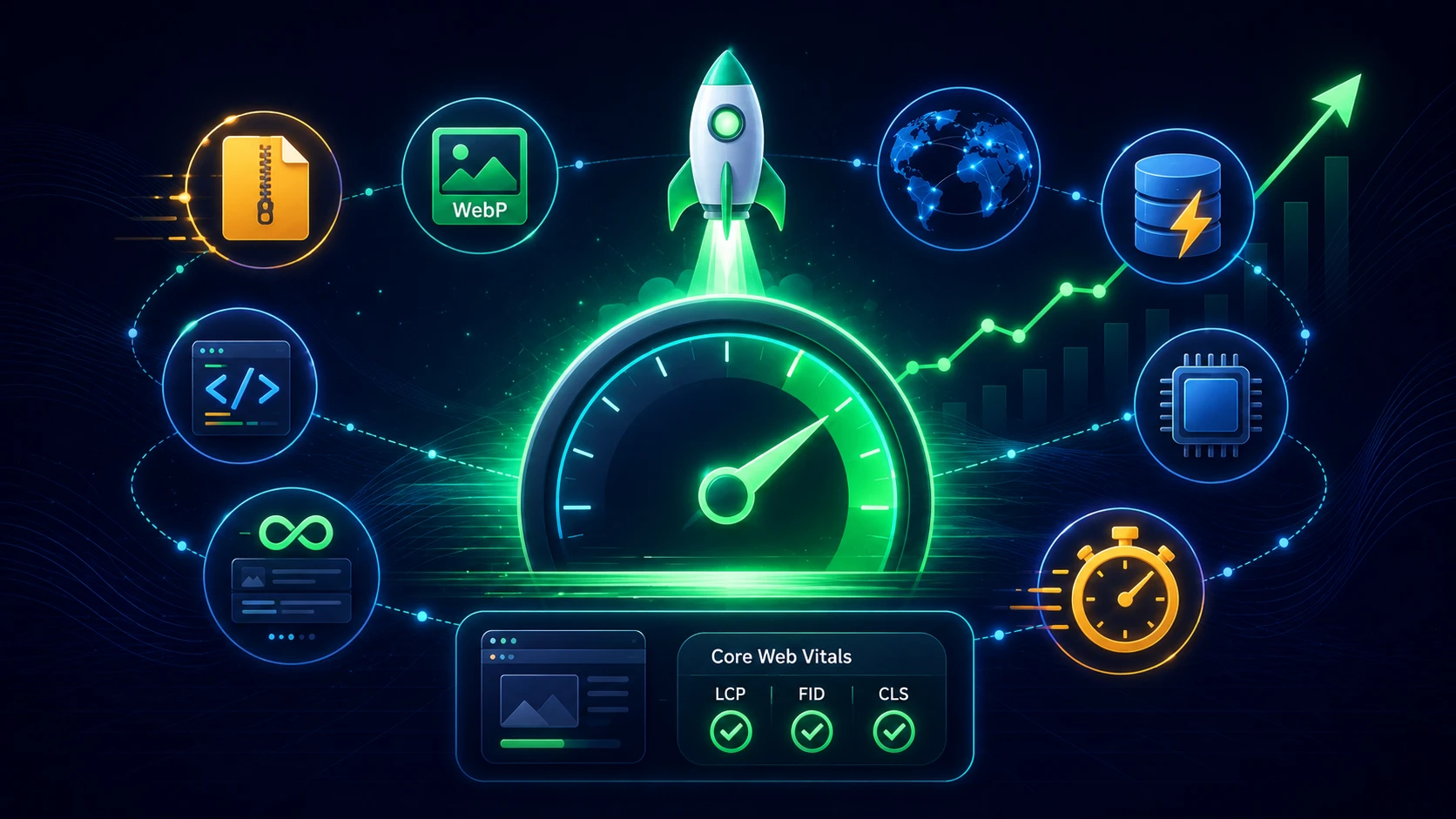
Website lambat = visitor pergi. Menurut data Google: 53% mobile users akan meninggalkan website jika loading lebih dari 3 detik.
Mengapa Kecepatan Website Penting?
- User Experience: User mengharapkan loading yang instant. Delay 1 detik = 7% drop conversion.
- SEO Ranking: Page speed adalah ranking factor. Website cepat = ranking lebih tinggi di Google.
- Bounce Rate: Website lambat = bounce rate tinggi.
- Revenue: Amazon kehilangan $1.6 miliar per tahun untuk setiap 1 detik delay.
Tools untuk Measure Speed
-
Google PageSpeed Insights (pagespeed.web.dev)
- Score 0-100
- Recommendations yang spesifik
- Analisis Mobile & Desktop
-
GTmetrix (gtmetrix.com)
- Detailed waterfall
- Historical tracking
- Multiple test locations
-
WebPageTest (webpagetest.org)
- Advanced testing
- Video comparison
- Multiple browsers
Target Score yang Ideal:
- PageSpeed Insights: >90 (Mobile & Desktop)
- GTmetrix: Grade A
- Loading time: <3 seconds
- Time to Interactive: <5 seconds
Teknik Optimasi Performance
1. Image Optimization (Impact: ⭐⭐⭐⭐⭐)
Images biasanya menyumbang 50-80% dari total page weight.
Actions:
- Compress images (TinyPNG, ImageOptim)
- Convert ke WebP format (50-80% lebih kecil)
- Lazy loading (load image saat visible)
- Responsive images (serve size sesuai device)
- Remove EXIF data
Contoh:
Before: image.jpg (500 KB)
After: image.webp (80 KB)
Savings: 84%!
2. Minify CSS, JS, HTML (Impact: ⭐⭐⭐⭐)
Remove whitespace, comments, dan unnecessary code.
Tools:
- CSS: cssnano
- JavaScript: UglifyJS, Terser
- HTML: HTMLMinifier
Savings: 20-40% file size reduction
3. Enable Compression (Impact: ⭐⭐⭐⭐⭐)
Gunakan GZIP atau Brotli compression di server.
Contoh:
Before: style.css (150 KB)
After: style.css.gz (30 KB)
Savings: 80%!
Cara enable di Apache (.htaccess):
<IfModule mod_deflate.c>
  AddOutputFilterByType DEFLATE text/html text/css text/javascript
</IfModule>
4. Browser Caching (Impact: ⭐⭐⭐⭐)
Store static assets di browser user untuk mengurangi request.
<IfModule mod_expires.c>
  ExpiresActive On
  ExpiresByType image/jpg "access plus 1 year"
  ExpiresByType text/css "access plus 1 year"
  ExpiresByType text/javascript "access plus 1 year"
</IfModule>
5. Use CDN (Impact: ⭐⭐⭐⭐⭐)
Content Delivery Network mendistribusikan content secara global.
Benefits:
- Serve dari server terdekat user
- Reduce latency secara signifikan
- Handle traffic spike
- DDoS protection
CDN Providers:
- Cloudflare (Free tier tersedia!)
- AWS CloudFront
- Google Cloud CDN
- BunnyCDN (murah & cepat)
6. Optimize Database (Impact: ⭐⭐⭐)
Untuk WordPress:
- Delete post revisions
- Clean spam comments
- Optimize database tables
- Use caching plugin (WP Rocket, W3 Total Cache)
Untuk Custom Website:
- Index frequently queried columns
- Optimize slow queries
- Use query caching
- Database connection pooling
7. Reduce HTTP Requests (Impact: ⭐⭐⭐⭐)
Setiap file = 1 HTTP request yang memperlambat loading.
Cara mengurangi:
- Combine CSS files
- Combine JavaScript files
- Use CSS sprites untuk icons
- Inline critical CSS
- Remove unused plugins/scripts
8. Lazy Loading (Impact: ⭐⭐⭐⭐)
Load resources hanya saat dibutuhkan.
<!-- Images -->
<img src="image.jpg" loading="lazy">

<!-- iFrames -->
<iframe src="video.mp4" loading="lazy"></iframe>
9. Use Modern Image Formats (Impact: ⭐⭐⭐⭐⭐)
- WebP: 30% lebih kecil dari JPEG, support transparency
- AVIF: 50% lebih kecil dari JPEG (cutting edge)
<picture>
  <source srcset="image.avif" type="image/avif">
  <source srcset="image.webp" type="image/webp">
  <img src="image.jpg" alt="Fallback">
</picture>
10. Remove Render-Blocking Resources (Impact: ⭐⭐⭐⭐)
Untuk CSS:
<link rel="stylesheet" href="style.css" media="print" onload="this.media='all'">Untuk JavaScript:
<script src="script.js" defer></script>
<!-- atau -->
<script src="script.js" async></script>
Checklist Optimasi
- ✅ Images compressed & WebP format
- ✅ CSS, JS, HTML minified
- ✅ GZIP/Brotli compression enabled
- ✅ Browser caching configured
- ✅ CDN implemented
- ✅ Database optimized
- ✅ HTTP requests minimized
- ✅ Lazy loading enabled
- ✅ Unused code removed
- ✅ Fonts optimized
Before vs After
Before Optimization:
- PageSpeed Score: 45
- Loading time: 8.5s
- Page size: 5.2 MB
- Requests: 87
After Optimization:
- PageSpeed Score: 95
- Loading time: 1.8s
- Page size: 800 KB
- Requests: 24
Improvement:
- Score: +111%
- Speed: +373%
- Size: -85%
- Requests: -72%
Kesimpulan
Optimasi kecepatan website adalah marathon, bukan sprint. Lakukan bertahap:
- Week 1: Image optimization
- Week 2: Minification & compression
- Week 3: Caching & CDN
- Week 4: Database & code optimization
Hasilnya akan sangat worth it: Better UX, higher ranking, more conversion!
Website Anda lambat? Hubungi GifaTech untuk konsultasi optimasi website gratis!